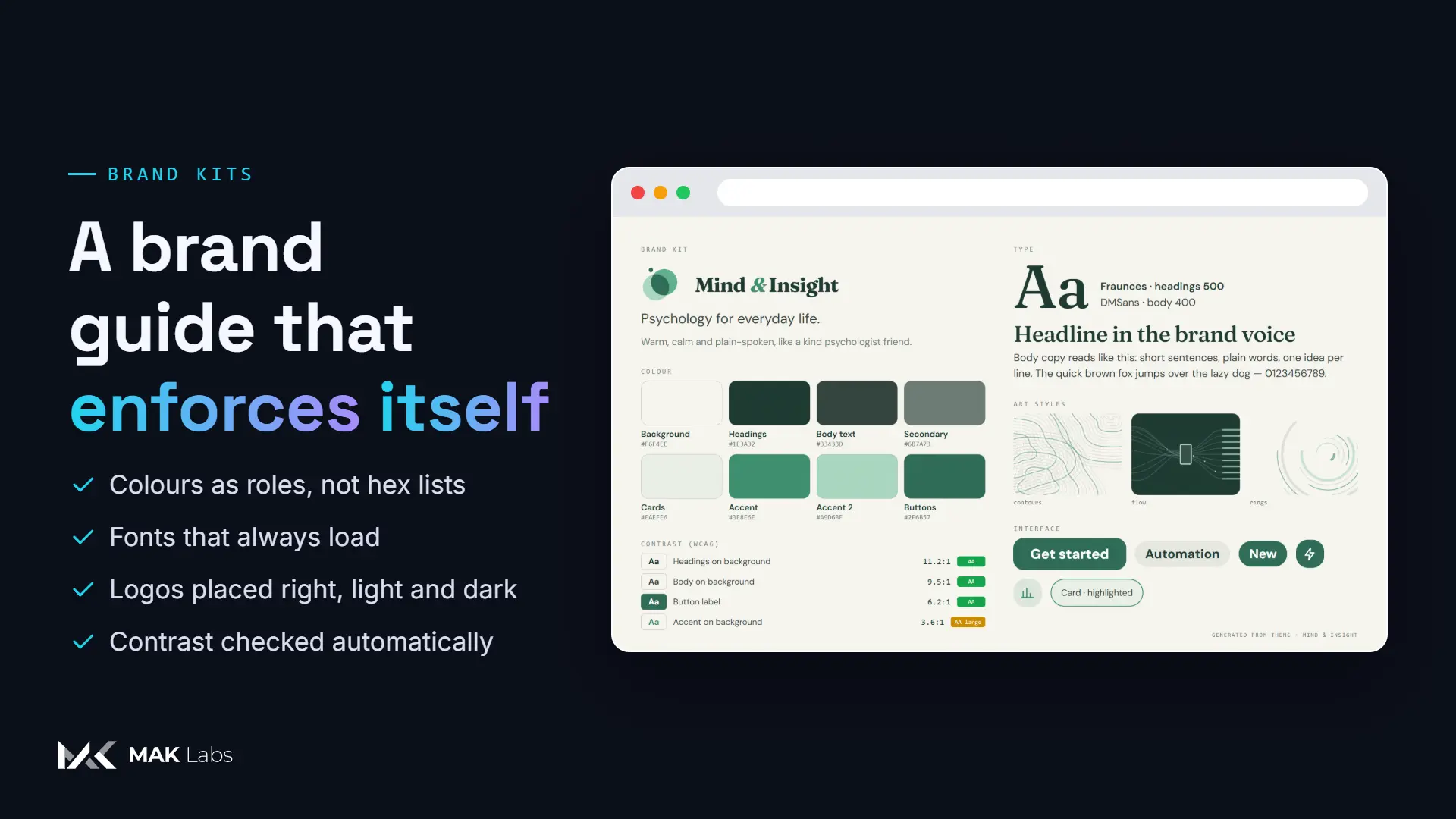
A brand guide that enforces itself
Colours are roles, not hex lists. Fonts always load. Logos land in the right place, light and dark. Contrast is checked automatically. Nobody has to remember the guidelines, because the tools apply them.
MAK Labs Studio
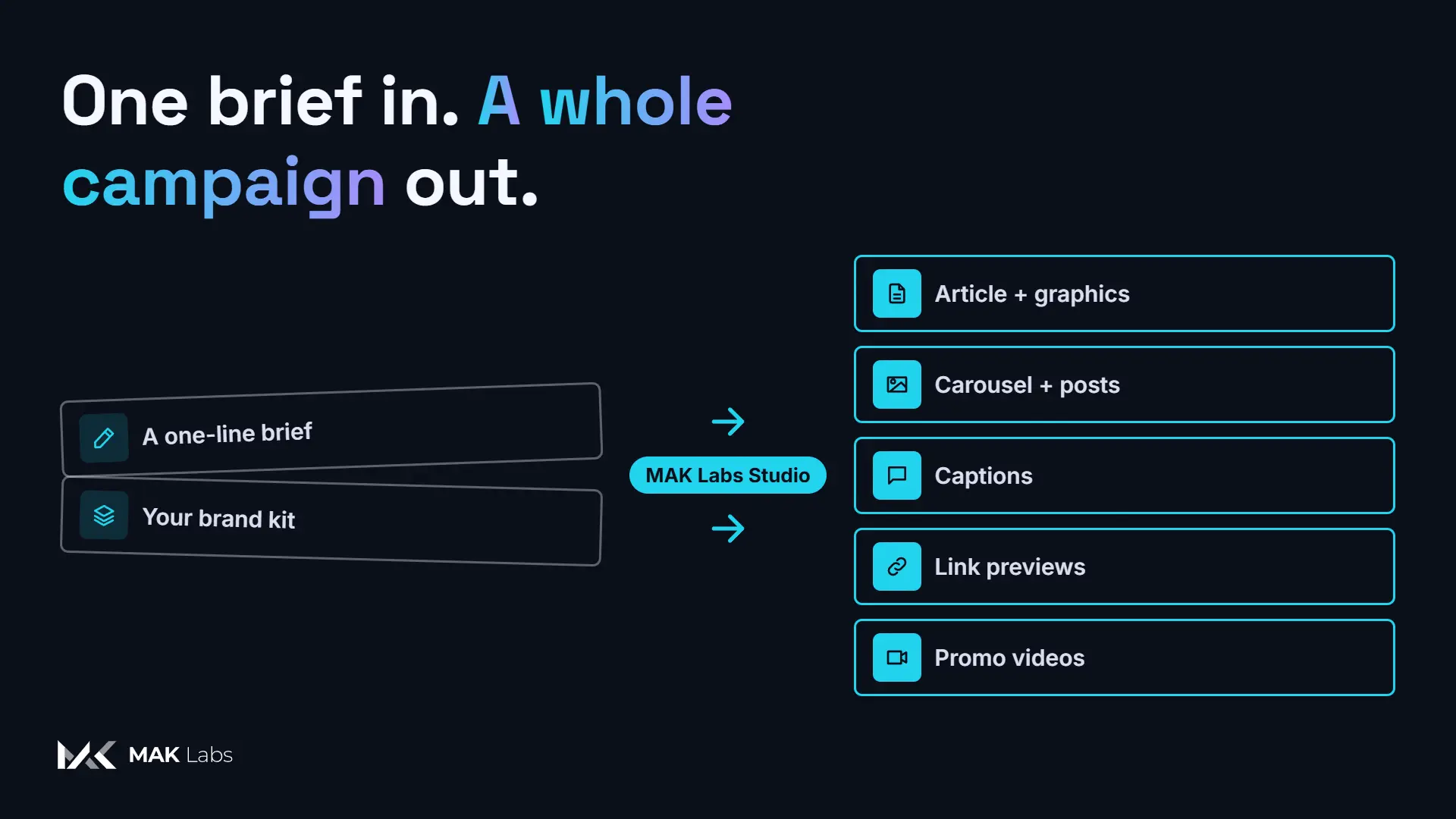
One brief becomes the article, the carousel, the posts, the captions and the promo videos, all in your exact brand.
110 templates · every format · every language · works with your AI assistant
The problem, in one line
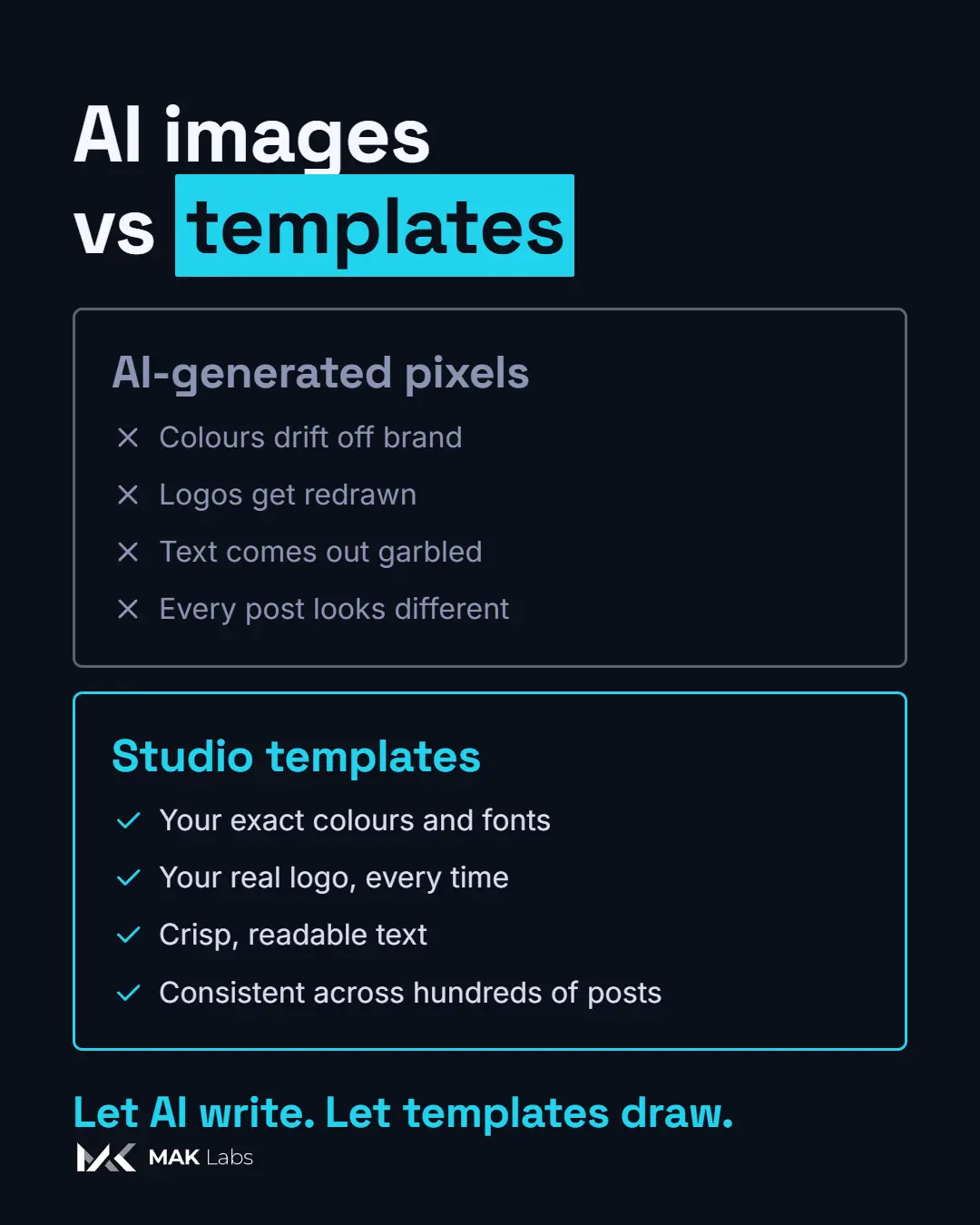
AI images are fast. They're also off brand.
Colours drift. Logos get redrawn. Text comes out garbled. And no two posts look like the same company.
How it works
01
Say what it's about: a topic, an audience, an angle.
02
Your AI drafts the words: the article, the captions, the key points.
03
Templates draw every image and video, from your brand kit.
04
Edit in one place: the web editor, or Remotion Studio for video.
05
Copy, download, post. Every size, every platform.
One brief. Every format.
Every piece below came out of Studio in the Studio brand. Select one to enlarge it.
Vertical video, same brand.Every video template renders vertical, square, portrait, landscape and wide. Layouts adapt instead of cropping.
Features
83 video and 27 image templates: kinetic type, charts, checklists, timelines, myth-vs-fact, breathing guides, logo reveals and more. Every one reads your brand kit.
Every video template renders vertical, square, portrait, landscape and wide; layouts adapt instead of cropping.
From link previews to A4, as PNG, JPEG, WebP or PDF.
Colours are roles, not hex lists. Fonts always load. Logos land in the right place, light and dark. Contrast is checked automatically. Nobody has to remember the guidelines, because the tools apply them.
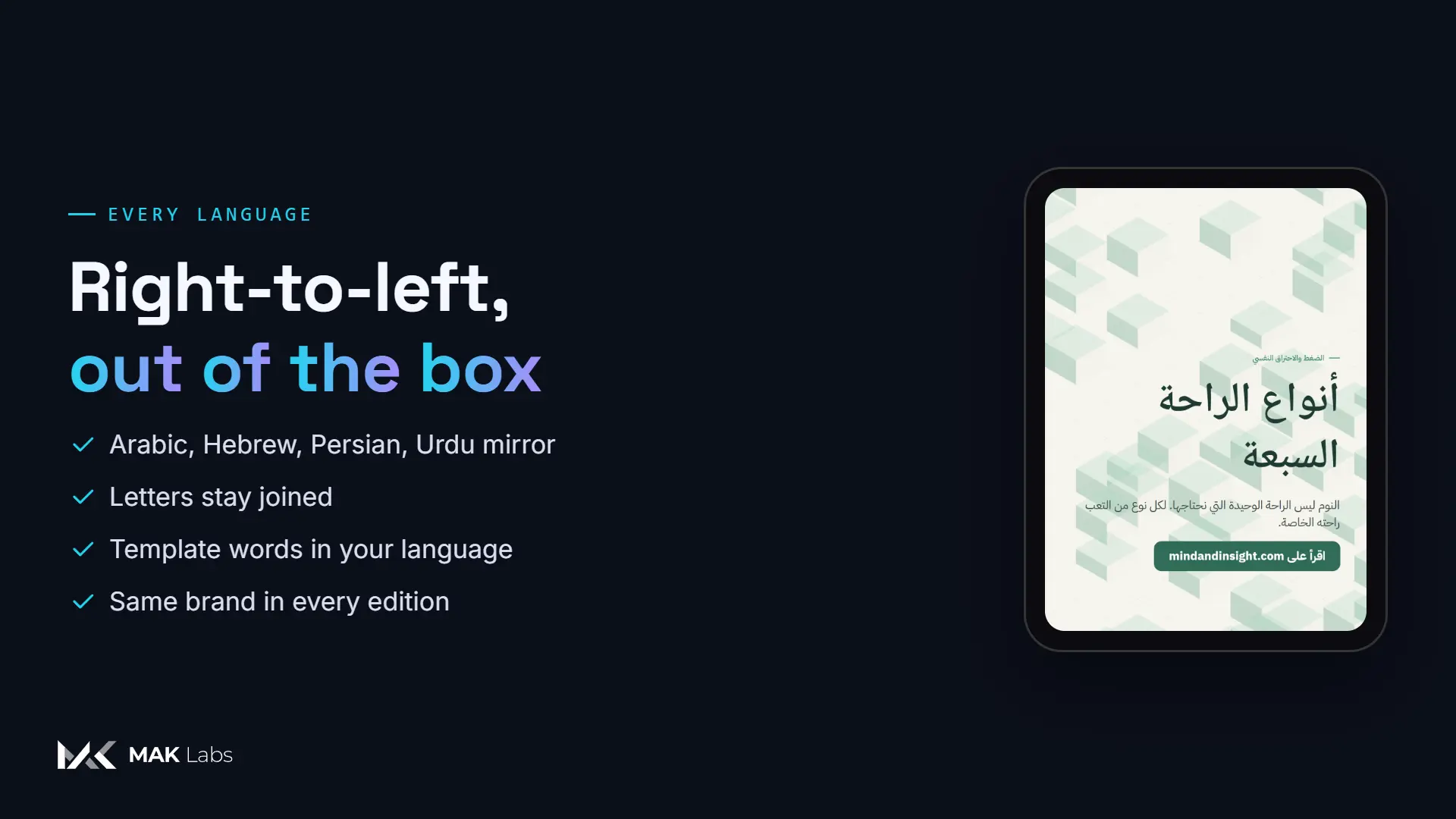
Arabic, Hebrew, Persian and Urdu layouts mirror properly, Arabic letters stay joined, and the words templates write themselves come out in your language.
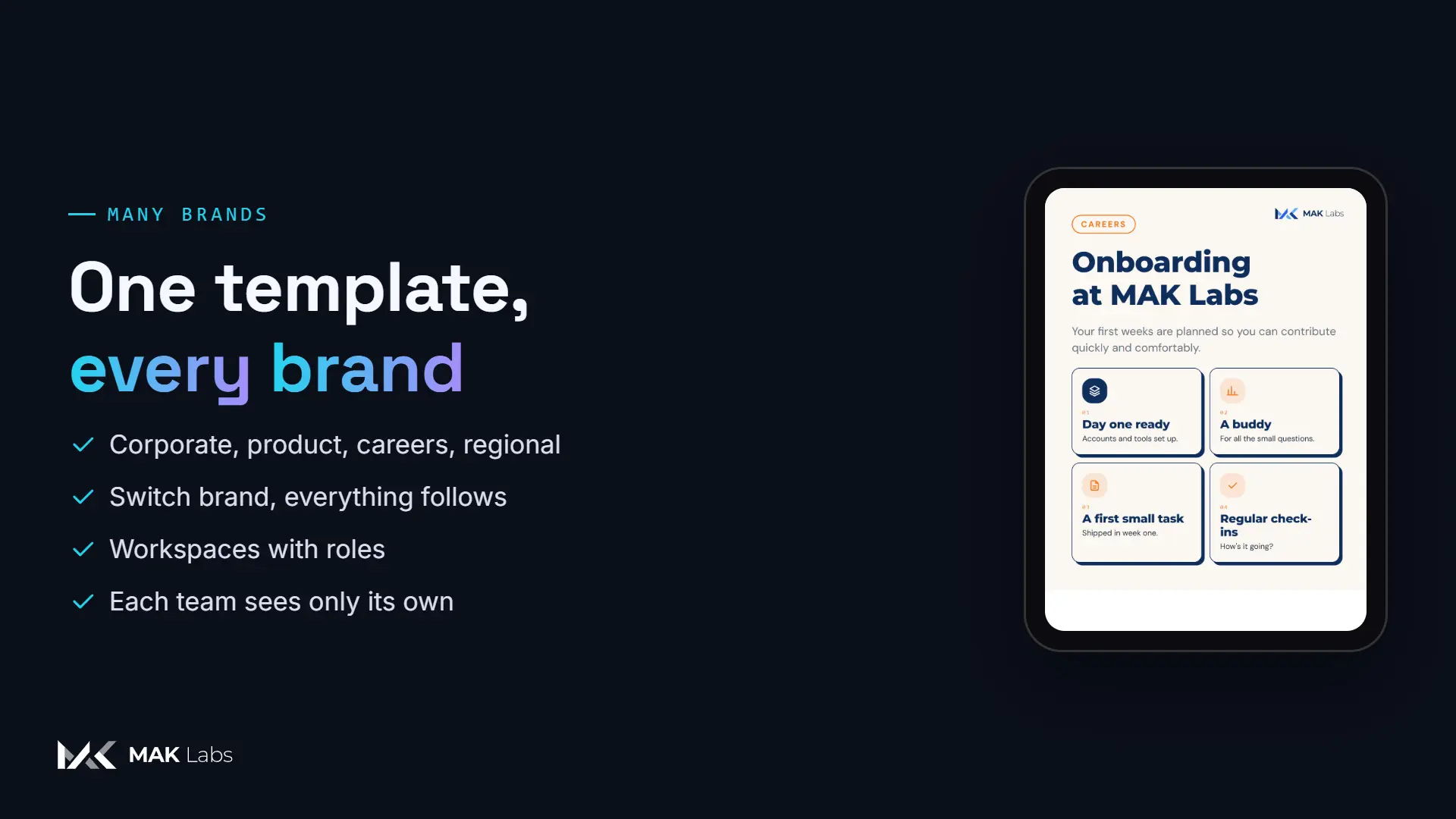
Corporate, product, careers, regional editions: switch brand and everything follows. Workspaces keep companies apart, with owner, editor and viewer roles.
Studio speaks MCP, so AI assistants can write, choose templates and render directly. Ask your assistant; get a campaign.
Myths, busted
Myth: On-brand content needs a designer for every post.
Fact: Templates hold the design. Anyone, or any AI, fills in the words.
Myth: AI images are good enough for social.
Fact: Generated pixels drift. Templates keep every colour, font and logo exact.
Why teams switch
FAQ
No, and that's the point. AI writes the words and picks templates; the images and videos are rendered from templates, so every pixel follows your brand kit.
Yes. Bring your colours, fonts and logo (an SVG logo can even seed the palette). Studio builds the brand kit and every template follows it.
LinkedIn, X, Instagram, YouTube and your blog out of the box: link previews, posts, stories, carousels, thumbnails, banners, articles and videos in five aspects.
Yes, including right-to-left languages such as Arabic, Hebrew, Persian and Urdu.
Yes. Articles open in a rich editor; every image and video can be re-rendered with new words, a new brand or a new size, and videos can be fine-tuned frame by frame in Remotion Studio.
That's what workspaces are for: each company keeps its own brands, content, people and API keys.
Ask for a demo: we'll turn one of your topics into a full campaign in your colours, fonts and logo.
Ask for a demo